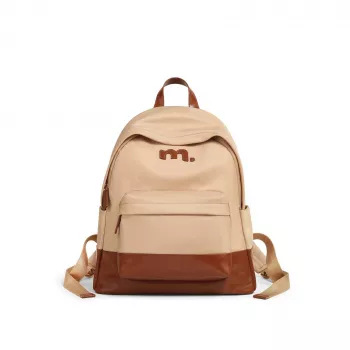
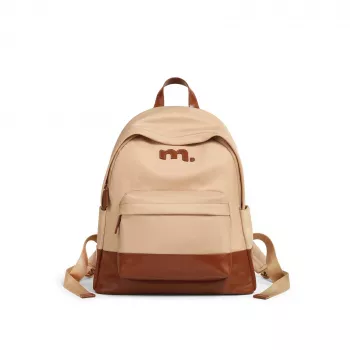
A backpack that looks polished while carrying a full day’s load needs the right balance of space, structure, and easy-access organization. This large-capacity women’s backpack is designed to fit a 13-inch laptop and keep everyday essentials separated with multiple compartments—ideal for school days, commuting, and weekend errands when everything needs a place.
When a bag is built for real routines (not just quick outings), the small design choices matter. A roomy main compartment handles the bulky items that define a busy day—books, notebooks, a light jacket, or even a packed lunch—while dedicated pockets prevent the “everything pile” that slows you down.
If you’re shopping for a daily carry that blends function and style, start here: Large Capacity Women Backpack for 13-inch Laptop – Stylish School Bag with Multi-Compartments.
A simple packing order can make the bag feel lighter and keep your tech safer. The goal is stability: keep the laptop supported, place weight close to your back, and reserve quick-access areas for items you touch multiple times a day.
For laptop sizing peace of mind, it helps to know your device dimensions—Apple lists the current reference specs for popular 13-inch models here: Apple – MacBook Air (13-inch) Technical Specifications.
Multiple compartments only help if you use them consistently. A “zones” setup makes it easy to find what you need in seconds, reduces clutter, and protects your items from common causes of damage (sharp keys, leaking cosmetics, tangled cables).
| Area | Best For | Tip |
|---|---|---|
| Laptop section | 13-inch laptop, slim folder | Keep the laptop closest to the back panel for stability |
| Main compartment | Books, hoodie, lunch box | Place heavier items low and near the back |
| Organizer compartment | Pens, calculator, cables, power bank | Use a small cable wrap to prevent tangles |
| Quick-access pocket | Keys, ID, phone, earbuds | Reserve it for items needed multiple times a day |
| Small pouch zone (inside) | Cosmetics, sanitizer, tissues | Store liquids in a zip pouch to prevent leaks |
A structured, minimal backpack can read more “everyday polished” than “campus-only,” especially when the shape stays clean even when packed. The result is a bag that transitions well—from lecture hall to coffee shop to office hours—without looking like you’re hauling your entire day on your back.
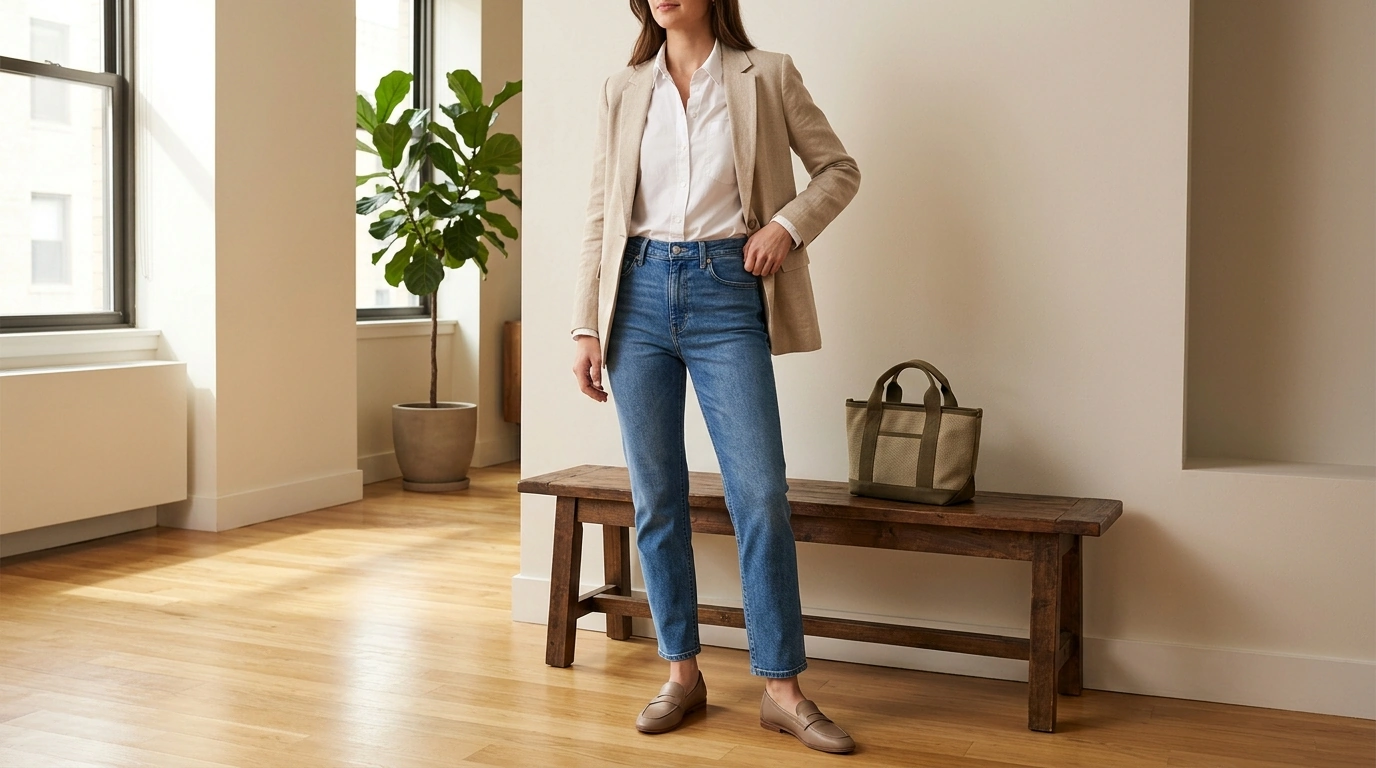
For a streamlined, put-together look, pair the backpack with Ermanno Scervino Slim Fit Blue Jeans and subtle shine like 18K Gold Plated Daisy Drop Earrings.
Comfort isn’t only about straps—it’s also about how you load the bag. A balanced pack reduces the “pull” on one shoulder and helps the backpack sit closer to your body for easier walking and commuting.
For general carry guidance and safer loading, review the practical tips from the American Chiropractic Association – Backpack Safety Tips.
If you fly or pass through security checks often, keeping liquids in a sealed pouch also makes transitions faster—especially when following the TSA – Liquids Rule (3-1-1).
It’s designed to accommodate a 13-inch laptop in a dedicated section for a steadier carry. Measure your laptop (especially if it’s in a protective case) and place it in the laptop area closest to the back panel for the most stable fit.
Yes—its large capacity supports books, notebooks, and daily add-ons like a charger, stationery, and personal items. Multiple compartments help keep school supplies from mixing with tech and quick-grab essentials.
Use a simple zoning system: laptop section for tech, main compartment for bulky items, organizer pocket for small accessories, and a quick-access pocket for keys/ID/phone. Keep liquids (sanitizer, cosmetics) inside a small zip pouch to help prevent leaks.


Leave a comment