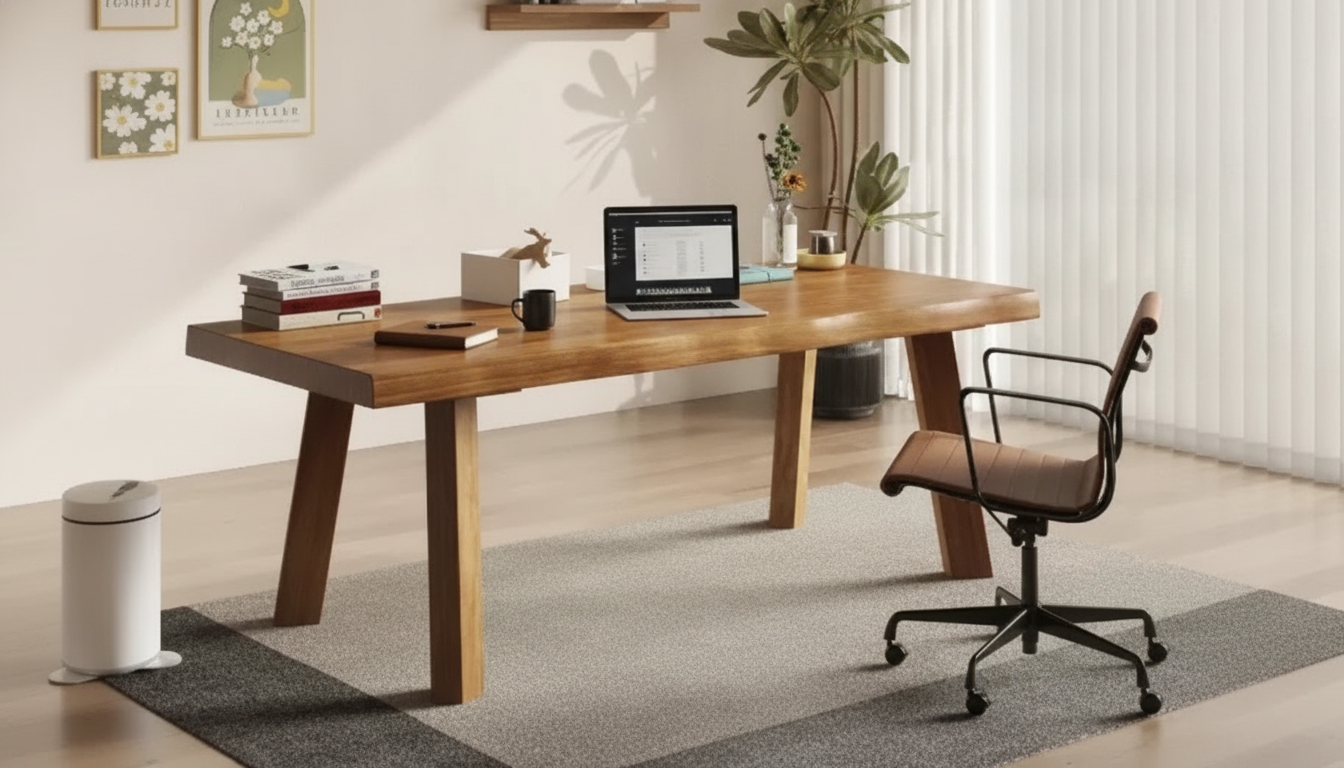
A 55-inch solid wood desk can balance a spacious work surface with a footprint that fits many home offices, bedrooms, and studios. The best layout depends on room width, chair clearance, monitor placement, and how the desk will be used day to day. The guidance below focuses on real-world measurements, placement tips, workstation comfort, and simple care steps to help a solid wood top stay beautiful through everyday use.
A 55-inch-wide desktop typically gives enough lateral space for a primary work zone (keyboard and mouse) plus a monitor, laptop, notebook, or task lamp without feeling tight. In many rooms, it’s wide enough to feel “full size,” but not so wide that it dominates a wall.
Before choosing a wall, measure the usable length—not just the drywall. Door swing, trim, and nearby furniture can take away inches that matter. Also note baseboard heaters or HVAC vents; blocking airflow can make a room uncomfortable and can dry out wood surfaces over time.
If the desk will sit in a corner, confirm both adjacent walls can accommodate the full width and that your chair still has room to slide back. Corner placement can look clean, but it often reveals clearance issues when it’s time to actually sit down and work.
Desk sizing isn’t only about whether the top fits against a wall; it’s also about how well the space works when you’re getting in and out of the chair multiple times a day. More clearance generally equals less frustration and better posture because you’re not twisting around obstacles.
In addition to chair movement, plan for drawer/door openings (if your desk has them), cable routing paths, and a walking lane that won’t snag cords. If you’re pairing the desk with a bookshelf or credenza, leave a small buffer so elbows and chair arms don’t collide with sharp furniture edges.
| Area to measure | Recommended space | Why it matters |
|---|---|---|
| Behind desk (chair clearance) | 30–36 in | Helps roll the chair in/out and stand up comfortably |
| Side walkway | 24–30 in | Keeps a clear path past the workstation |
| Monitor viewing distance | 20–40 in | Supports comfortable viewing and reduces eye strain |
| Under-desk knee/leg space | At least 18 in deep at knees | Reduces pressure on legs and improves sitting posture |
A 55-inch desk is a comfortable match for a single-monitor setup with room left over for a laptop, notebook, or charging tray. A widescreen monitor plus a laptop works especially well when the laptop is on a stand (to reclaim surface space) or positioned off to the side for reference tasks.
Dual monitors can fit, but the setup benefits from monitor arms or slimmer stands to reduce “footprint creep” along the back edge. If you like speakers, a desktop microphone, or a pen display, measure those items as well—often the accessories, not the monitors, are what make a desk feel crowded.
If writing, journaling, sketching, or shipping labels are part of your daily routine, reserve a clear zone for paper and tools. A small desk mat can visually define your primary work area and helps keep small items from grinding into the finish when you move them around.
Even the best-looking desk won’t feel right if the workstation forces awkward angles. For general ergonomic guidance, OSHA’s workstation recommendations are a helpful reference for everyday computer work habits (OSHA Computer Workstations eTool).
Aim for feet flat on the floor (or on a footrest) with knees roughly level with hips. Adjust seat depth so your back is supported while avoiding pressure behind the knees; if your chair is deep, adding a lumbar pillow can improve comfort.
Like all wood products, solid wood can respond to humidity and temperature swings. Keeping indoor conditions reasonably consistent helps minimize seasonal movement. If you want deeper background on how wood behaves as a material, the USDA Forest Service Wood Handbook is a respected reference (USDA Forest Service — Wood Handbook).
If you’re ready to build a simple, everyday workstation, review the Solid Wood Desk 55 inches for current pricing, availability, and details. Before checkout, confirm room measurements and the delivery path (hallways, stair turns, doorway width) to avoid last-minute fit issues.
Often, yes—two 24-inch monitors can work on a 55-inch desk, especially with monitor arms that eliminate bulky stands. Measure the total width of both monitor stands (or arm positions) and add space for speakers or a laptop to confirm you won’t lose your main writing/keyboard area.
Plan for about 30–36 inches behind the desk for comfortable chair movement and standing up. Tighter spaces can work with a compact chair, but they typically feel more restrictive during everyday use.
Dust with a microfiber cloth and avoid harsh chemicals or abrasive scrubbers that can dull the finish. Clean spills immediately, use coasters and desk pads to prevent rings and scratches, and minimize direct sun plus large humidity swings when possible.






Leave a comment