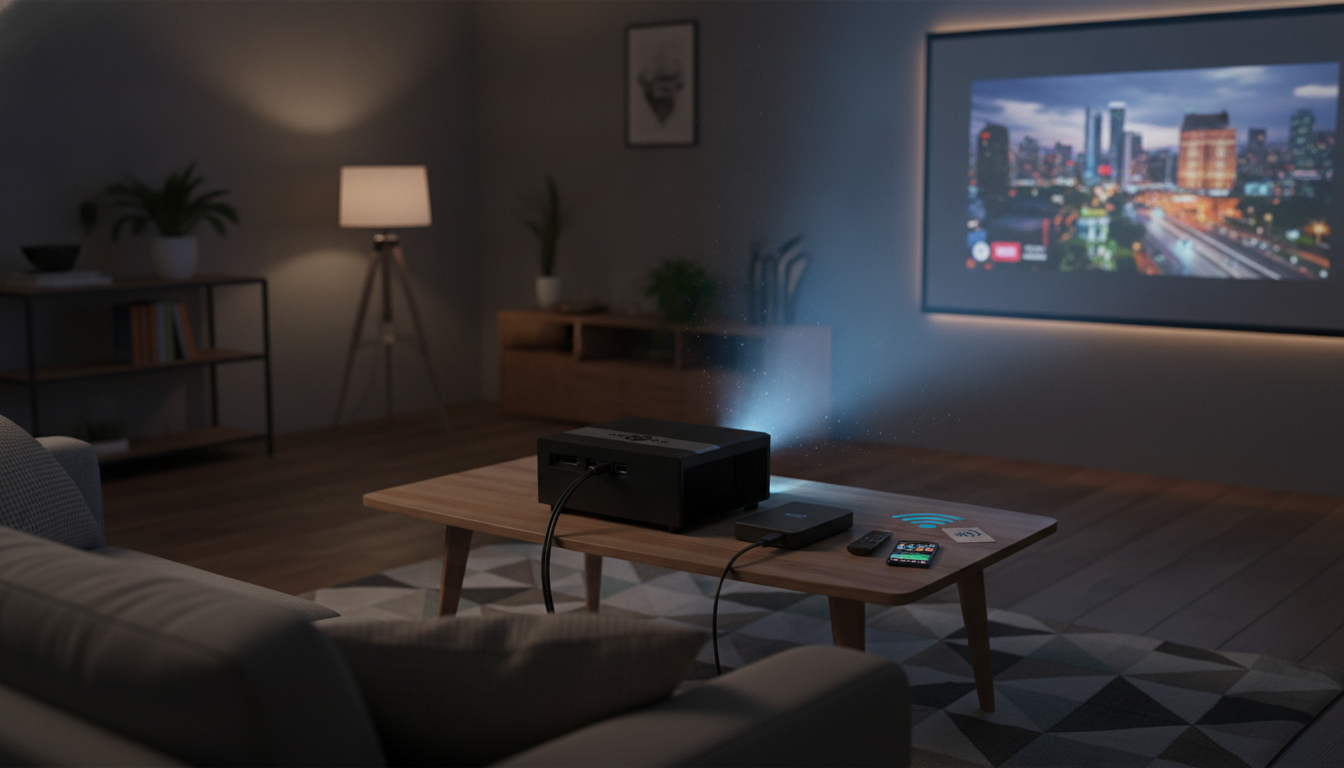
A bright, feature-rich projector can replace a TV for movies, sports, gaming, and presentations—if it’s set up correctly and matched to the room. This guide breaks down what to expect from a 4K-ready 15000-lumen LED projector with Android and 5G WiFi, how to dial in the best image and sound, and which use cases benefit most.
A modern LED projector with onboard streaming and fast Wi‑Fi is all about convenience: fewer boxes, faster setup, and a bigger picture when a TV feels limiting.
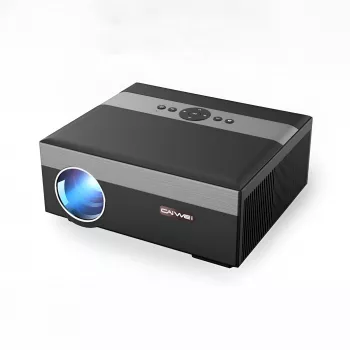
If you’re shopping specifically for an all-in-one option, see the 4K 15000 Lumens LED Projector with Android 5G WiFi for a streamlined “plug it in and play” experience.
“15000 lumens” is a marketing spec that doesn’t automatically translate to a daylight TV replacement. Perceived brightness depends heavily on room lighting, screen gain, and image size. If you’re projecting huge (100–150 inches) in a bright room, even very bright projectors can look washed out.
Many projectors accept a 4K signal but display it on a lower native-resolution panel. That can still look great at typical viewing distances, but it’s not the same as a native 4K imaging chip. Confirm the product’s native resolution and supported input formats in the listing details.
LED projectors tend to offer long life, quick on/off behavior, and stable color over time compared with many lamp-based models. That’s helpful for frequent casual use where you don’t want to “save the lamp.”
Built-in Android can be convenient for streaming, but some apps may be limited by DRM requirements, regional availability, or update timing. If a specific service matters, plan for a backup: HDMI from a streaming stick or laptop.
On projector listings, “5G WiFi” typically refers to the 5 GHz Wi‑Fi band (often Wi‑Fi 5/802.11ac), not cellular. The 5 GHz band can be faster and less congested at close-to-medium range, though it can struggle more through thick walls. For a quick technical overview, the Wi‑Fi Alliance Wi‑Fi CERTIFIED 5 (802.11ac) page is a helpful reference.
Whenever possible, align the lens to the center of the screen and keep the projector level. Keystone correction is useful, but heavy keystone can soften edges and reduce perceived sharpness.
Dial in focus for the sharpest center detail (text edges and facial features). Then apply keystone only as needed. If the corners won’t focus evenly, reduce keystone and re-center the projector—optical alignment typically beats digital correction.
If blacks look gray, lower brightness (black level) slightly and control room light. Increase contrast carefully until highlights start losing detail, then back off. For a deeper walkthrough of calibration concepts, Projector Central’s calibration guide is a solid baseline, and the general principles in RTINGS’ calibration concepts translate well to projectors.
| Category | What to Verify | Why It Matters |
|---|---|---|
| Room lighting | Curtains/blinds or dimmable lights | Reduces washed-out blacks and improves contrast |
| Screen or wall | Smooth, neutral surface or proper projector screen | Improves sharpness, brightness uniformity, and color |
| Placement | Centered lens and stable mount/tripod | Minimizes keystone softness and focus issues |
| Network | Reliable 5 GHz Wi‑Fi near the projector | Smoother 4K streaming and fewer buffering drops |
| Streaming apps | App support and updates on Android | Avoids playback restrictions and compatibility surprises |
| Audio | Bluetooth vs. wired output option | Controls latency and improves overall sound quality |
No. “5G WiFi” on projector listings typically means the 5 GHz Wi‑Fi band (not cellular 5G), which can be faster and more stable at close-to-medium range but may have less range through walls than 2.4 GHz.
Many projectors accept a 4K input signal but display it at a lower native panel resolution. Check the product’s native resolution spec and the supported input formats to know exactly what you’re getting.
Edge blur is commonly caused by off-center placement, focusing before alignment is correct, heavy keystone correction, an uneven wall/screen surface, or an incorrect throw distance. Re-center the projector, reduce keystone, and re-focus to improve corner sharpness.

Leave a comment